Cart 0

DTF and Colours
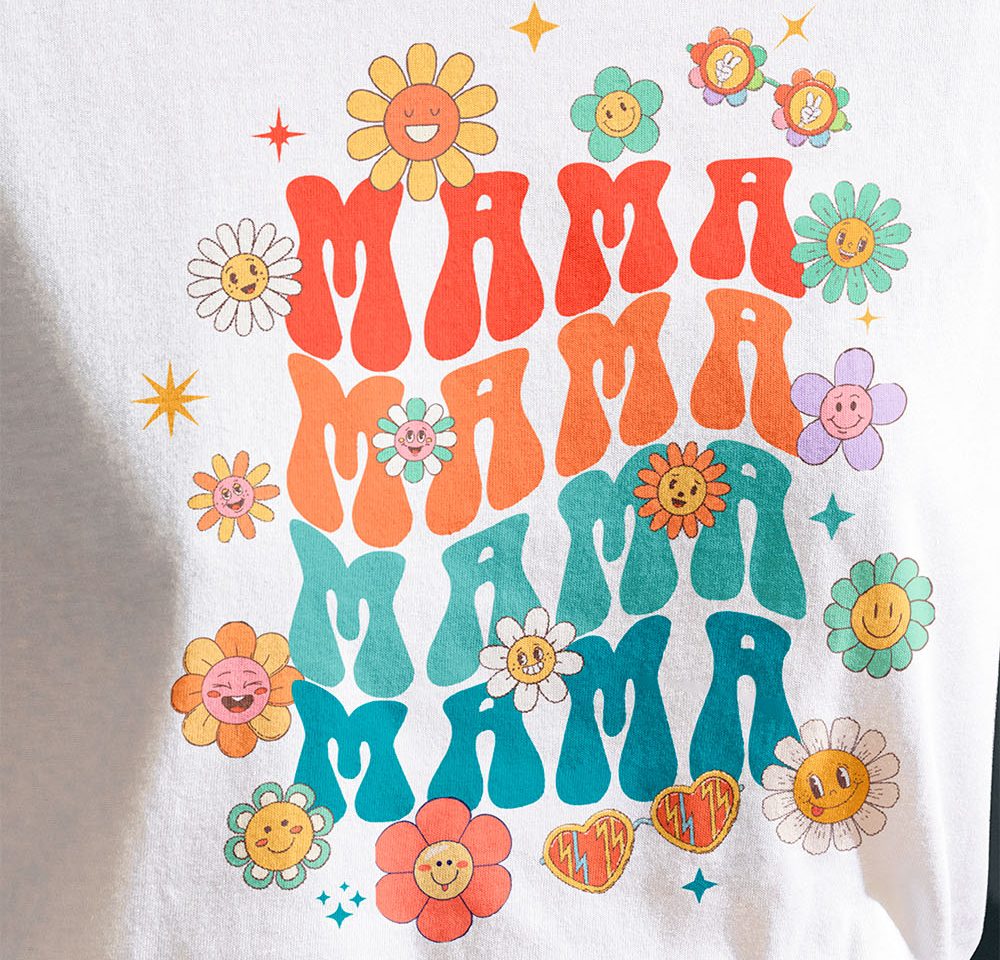
To achieve vibrant and long-lasting colors with DTF transfers, follow these key steps: Start with a high-resolution design to ensure sharp, vivid prints. Avoid low-resolution images that can lead to pixelation or blurry colors. We recommend submitting 300dpi RGB files. You can submit almost any format but we recommend using a vector file if possible. Follow the precise temperature, pressure, and timing instructions during pressing. Too much heat or pressure can alter the colors. After applying your transfer, it’s recommended to cover the print with parchment paper or a Teflon sheet for a quick second press. This step, often called a post-press or sealing press, helps lock in the colours, reduce any shine, and give the print a smoother, more professional finish. Using parchment paper leaves a softer, matte look, while a Teflon sheet (often called a “T-seal”) provides a slightly glossier finish and added durability. This simple step ensures your DTF prints maintain their vibrancy and long-lasting quality. Wash garments inside-out, in cold water, and avoid harsh detergents to maintain vibrancy. DTF and Colours.
How to get vibrant and long lasting colours.
1. High-Quality Artwork
2. Heat Press Settings
3. Repress for Durability
4. Washing Care
Tips and Tricks
- Provide Notes: If you have specific color preferences or concerns, make sure to let us know when ordering.
- File Format: Use print-ready formats like PNG for designs with transparency or high-quality PDF/AI for vector-based designs. Avoid low-quality JPEGs as they may compress colors.
- Avoid Compression: Save your file at the highest quality settings to prevent color loss or artifacts from file compression.
- Soft Proofing: Use design software with soft proofing capabilities to preview how your colors might appear on printed materials.
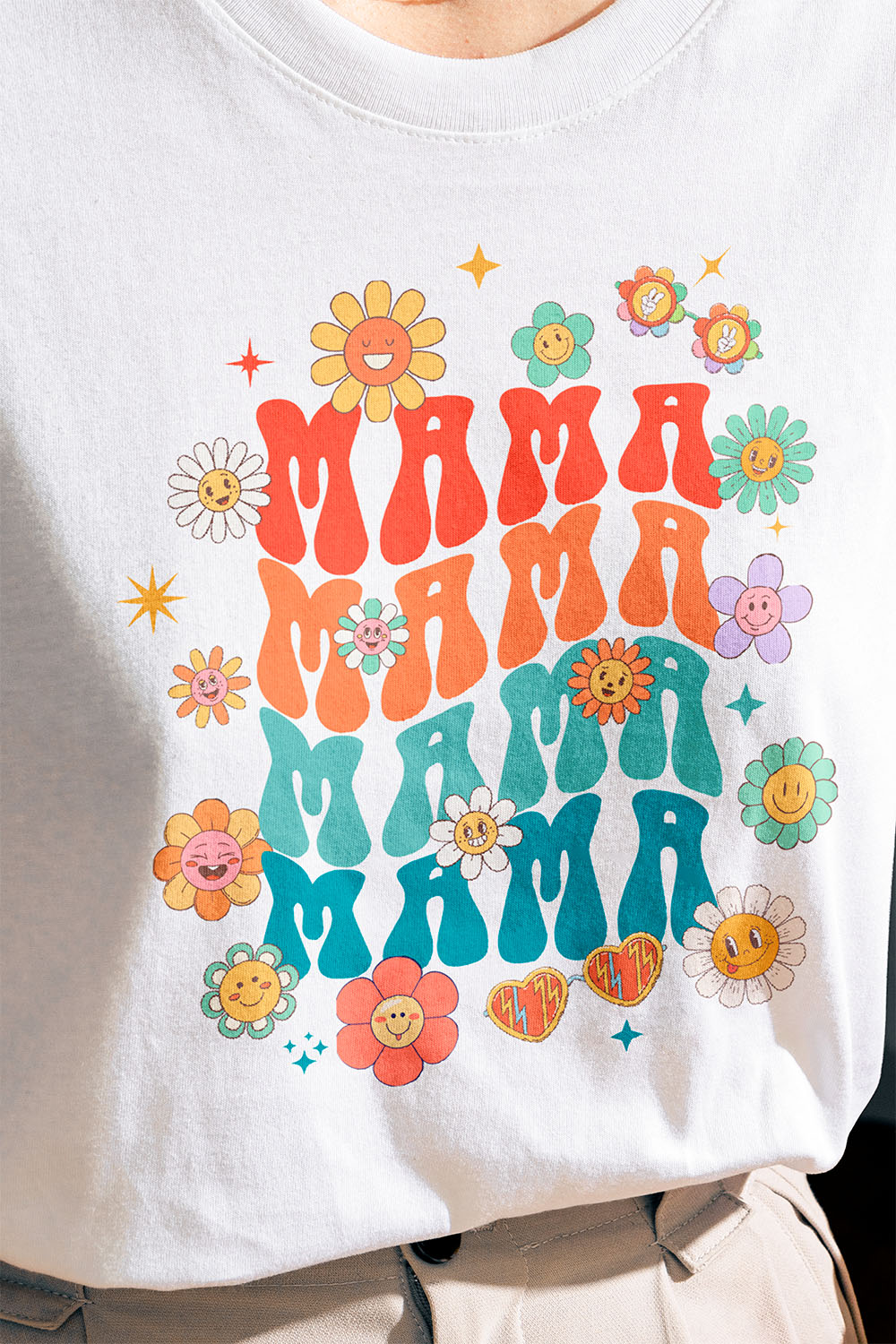
- Color Adjustments for Fabric: Keep in mind that fabric color may slightly influence the appearance of your design. Adjust brightness and contrast to ensure vibrancy, especially for darker garments.
- Fine Line Optimization: Thicken fine lines in your design to ensure they print clearly. Extremely thin lines (<0.4mm) may not transfer effectively.